
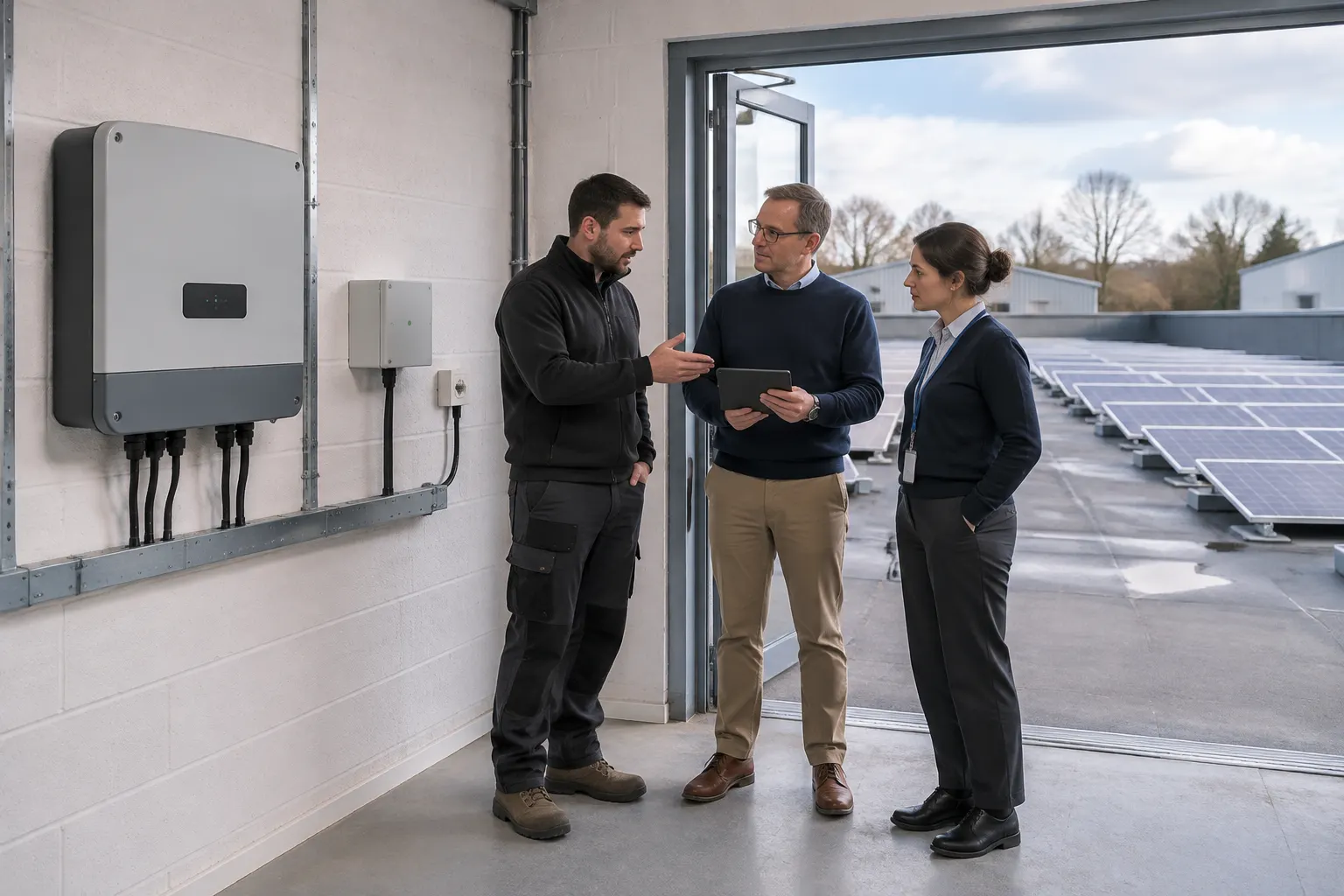
A commercial PV project can be ready for commissioning while nobody has agreed how its monitoring will connect. Commercial solar monitoring network access needs a named approver, a defined purpose and a clear handover, not just the site Wi-Fi password.
For a factory, holiday park or other operational site in Cornwall, this means bringing the PV contractor, facilities manager and IT lead together early. The aim is useful monitoring without unnecessary access to the business network.
What the monitoring needs to connect
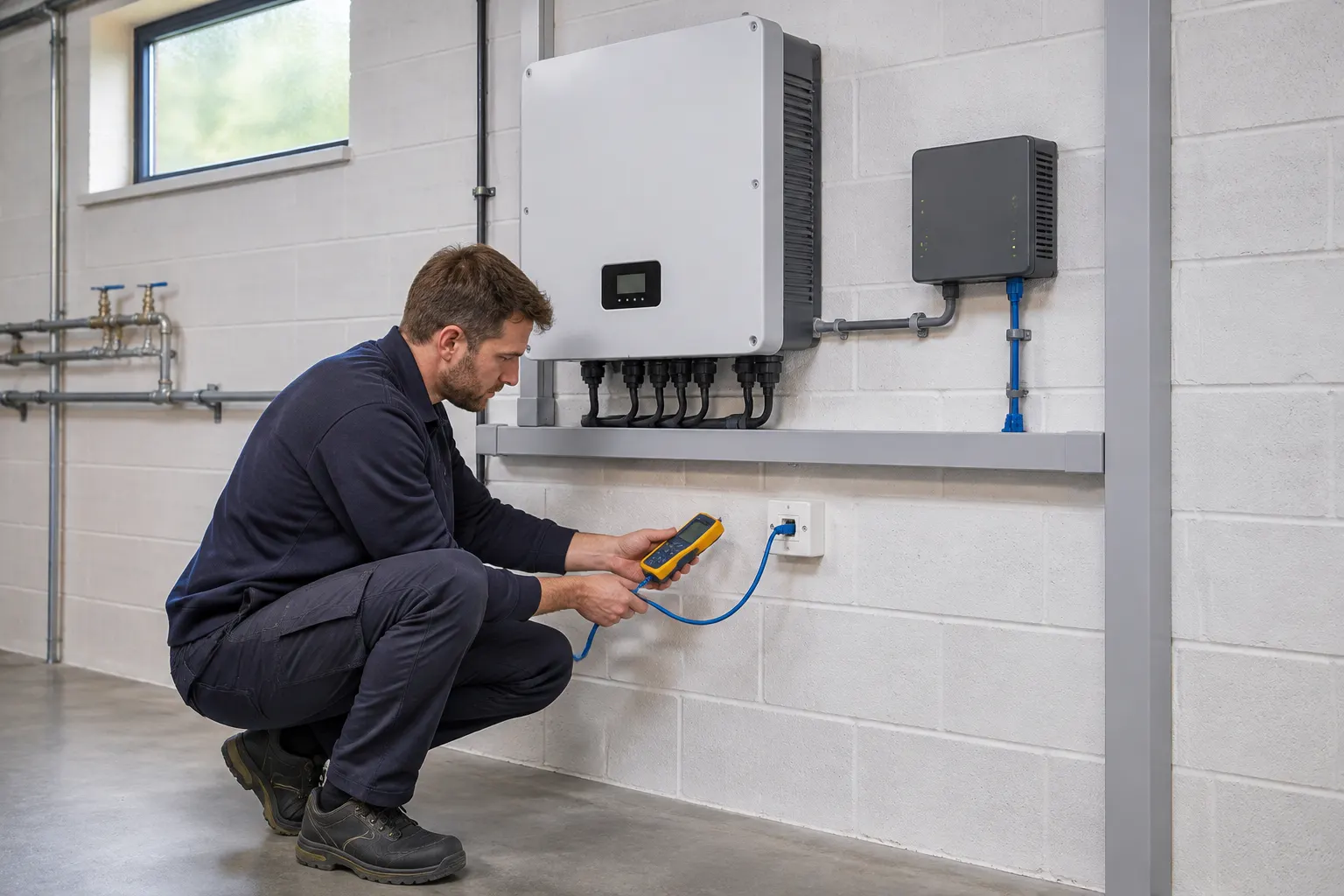
Start with an equipment-specific connection proposal. Identify the inverter or communications gateway, the local connection and any external monitoring platform. Do not assume every inverter needs the client LAN. Ask for a simple connection sketch showing the PV equipment, the site network boundary and the external platform.
Ask whether the proposal uses wired networking, Wi-Fi or a separate connection, and which options the chosen equipment supports. The answer should come from the specification and site approval, rather than an assumption made on the day.
For a commercial solar inverter internet connection, ask what data leaves the site, where it goes and whether the link allows monitoring only or also settings changes. Establish which functions need internet access and what happens if that connection or the supplier's platform becomes unavailable.
A lost dashboard connection does not automatically mean lost generation. Equally, do not assume every local function remains unaffected: the answer depends on the equipment and configuration.
Include these questions in the brief for your solar PV installation, alongside the electrical scope. Establish who is responsible for any ongoing connectivity or platform subscription before accepting the proposal.
Get site IT approval before commissioning
Arrange IT approval for commercial solar monitoring while connection options can still be assessed. Find the people authorised to approve the site's network and information-security arrangements; the person managing the building may not hold that authority.
Give them a short connection brief covering:
- The equipment being connected and its purpose.
- The proposed connection route and external services it needs to reach.
- The data collected, its destination and who can access it.
- Any vendor or contractor remote access, including its permissions.
- Who manages later network, equipment or account changes.
Ask the equipment supplier for the technical connection requirements, then let site IT approve the arrangement. Commercial PV network security is not settled by simply getting a device online. Record the agreed configuration and any conditions of approval so commissioning can test the intended connection.
If IT is outsourced, allow time for its provider to review the proposal. Any temporary connection proposed for commissioning also needs approval, with a clear plan for what replaces it.
Agree account ownership and remote support
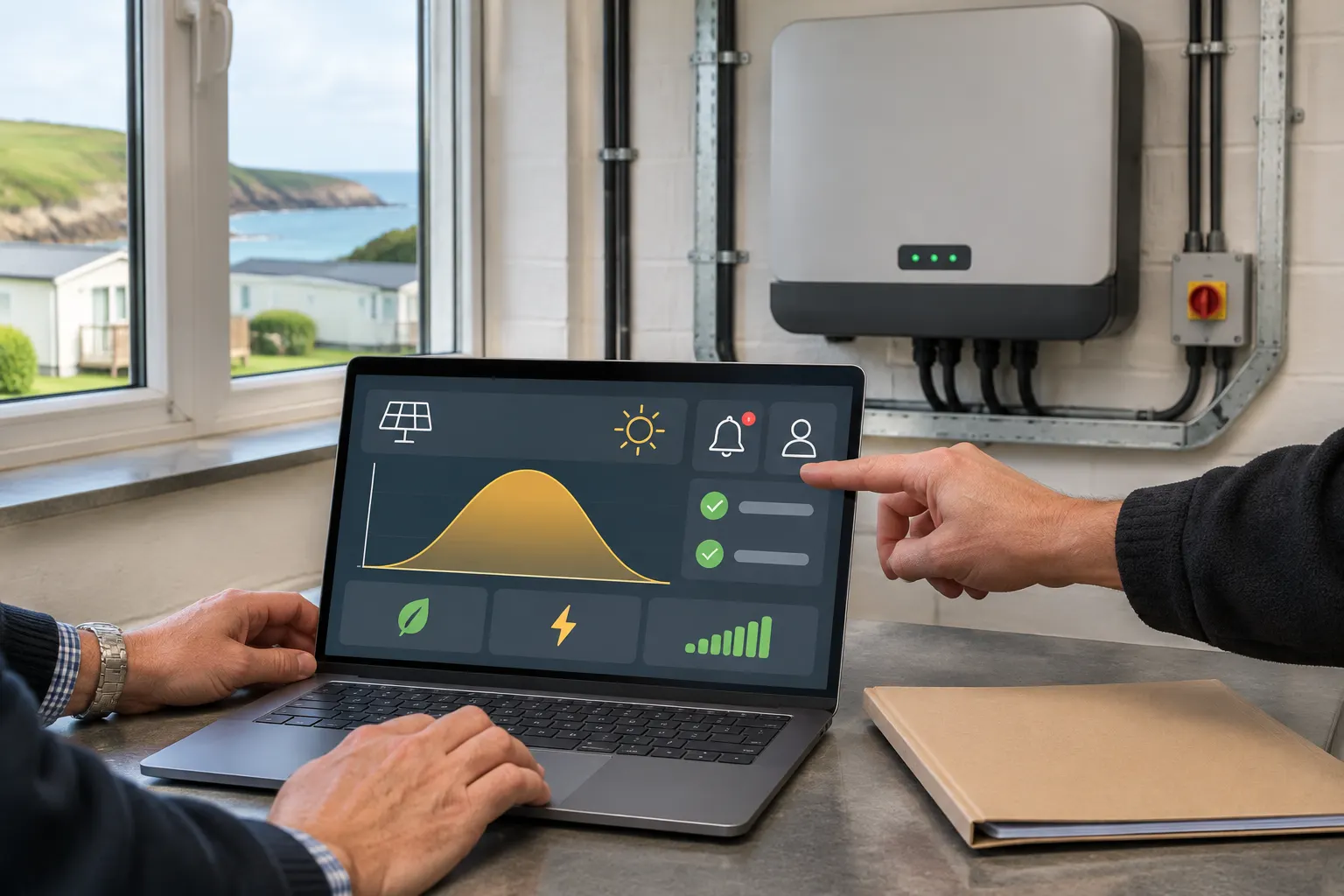
A working dashboard is not the same as a usable handover. Agree who owns the monitoring account, who has administrator rights and how the business will retain access if an employee leaves or the maintenance provider changes.
Separate viewing from control
For solar inverter remote access, distinguish read-only monitoring from permission to change settings. Establish what the vendor or contractor can do, who authorises access and whether it is permanent or enabled for a defined task. Agree how it will be reviewed or withdrawn; do not assume a portal login gives everyone the same powers.
Record user roles and the process for updating credentials. Arrange secure transfer through the organisation's approved method, not a password printed in a widely circulated handover pack. Where supported, use individual accounts and the authentication controls required by site policy. Do not leave the customer dependent on one installer's personal email address.
Keep a record of equipment identifiers, the platform used, account-recovery arrangements and the approved support contact. Ask how the business can retain access to its monitoring history if the support provider changes.
Make alerts and ownership clear at handover
Decide who receives monitoring alerts and who acts on them. An email reaching an unattended inbox is not an operational response, and access to a dashboard does not mean someone has agreed to watch it.
The monitoring handover should record:
- The customer account owner and a backup contact.
- The agreed alert recipients and escalation route.
- How a loss of communications is identified and reported.
- Who checks an alert and when it becomes a service call.
- The boundaries of any separately agreed monitoring or support service.
Confirm the intended users can log in and understand the alert arrangements. Agree what will be demonstrated at commissioning and document any unresolved connection issue, its owner and the plan for resolving it.
Ask whether the platform can distinguish a communications failure from an equipment alert and who assesses each report. The next call may belong with IT, the platform provider or the electrical contractor; agree that route rather than leaving the facilities team to guess.
For seasonal sites, use contacts that remain monitored when reception or the main office is closed. Retain approved connection details in the project information so a later firewall, router or service-provider change can be reviewed against the original requirements.
When PV monitoring touches an industrial OT network
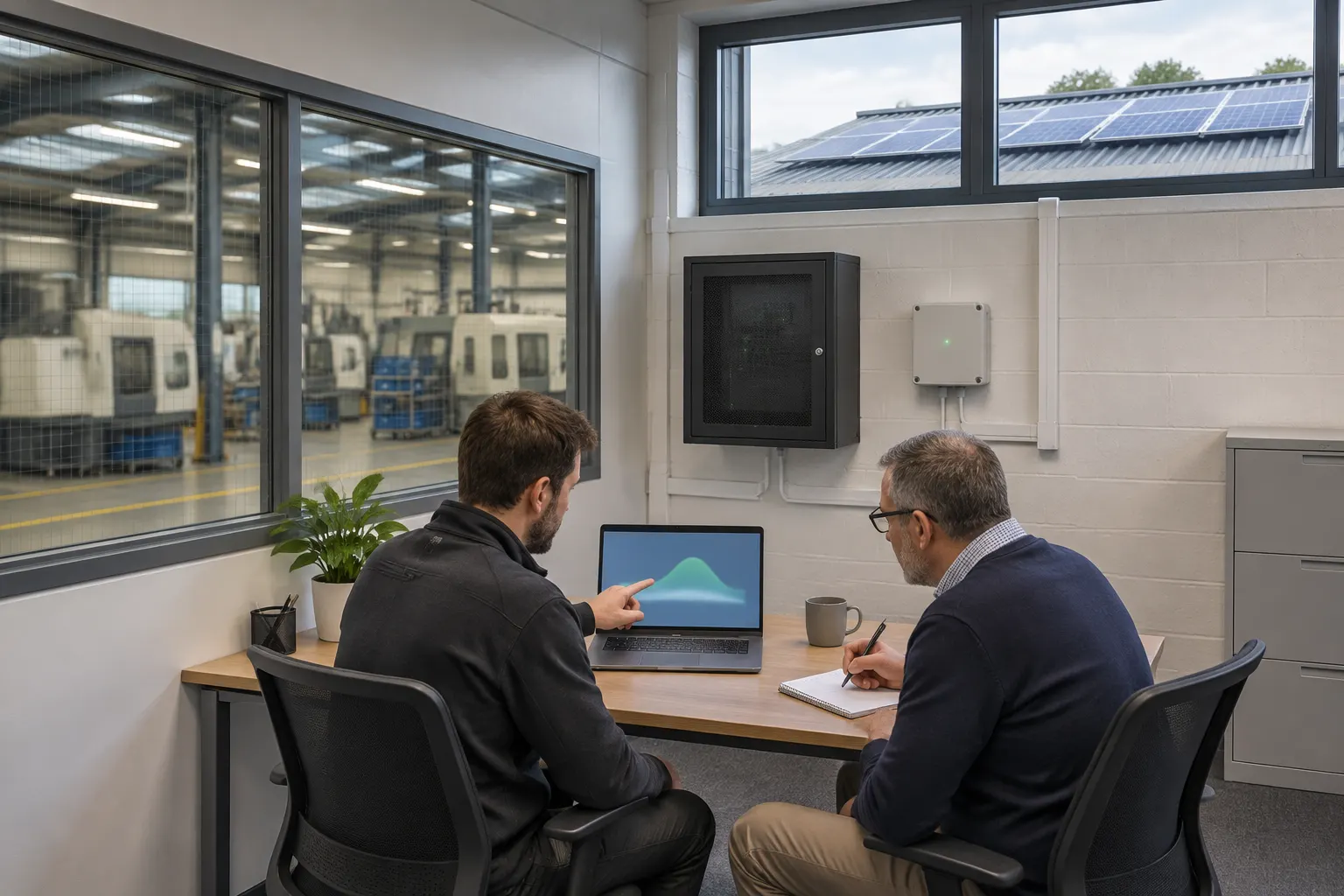
If the proposed connection touches operational technology (OT), involve the people responsible for production or process-control systems before agreeing access. A convenient network socket is not, by itself, evidence that a connection is appropriate.
The NCSC's OT connectivity guidance recommends limiting exposure and controlling third-party remote access. It is relevant when PV monitoring touches an OT environment, not a universal requirement for every solar installation or a substitute for the site's security design.
Ask the IT/OT team to define any separation and remote-access controls needed for the particular site. Do not assume office-network approval covers production systems. Where solar forms part of wider commercial electrical works, put the communications review into the project programme as a separate approval task.
The electrical contractor should explain the PV equipment's needs; the site's authorised specialists should decide what connection is acceptable.
Where the MCS requirements apply
The MCS MIS 3002:2025 Issue 2.0 installation standard covers grid-parallel PV on permanent buildings up to 50 kWp DC and applies to contractors certified to MCS:2025. It is not legislation applying to every commercial solar installation.
For commercial and industrial systems within that scope requiring LAN, home-area-network or internet access, it requires permission from the organisation's IT and information-security decision-makers. The MCS MIS 3002 communication requirements also address privacy, security and credential updates.
Its provision for notification of system failure or abnormal operation within 48 hours is a should, not a statutory guarantee, a repair deadline or an agreed support response time.
MIS 3002 Issue 6.0 runs in parallel during the scheme transition. Confirm which scheme and edition apply to the contractor and project. Larger or otherwise out-of-scope installations should not be described as covered by this standard simply because the same coordination questions are useful.
Plan monitoring before commissioning
Before booking commissioning, agree the connection route, approver, account owner and alert responsibilities. Maenporth Electrical Ltd serves Falmouth, Penryn and wider Cornwall. To discuss the electrical scope and monitoring requirements of a commercial solar project, call 01326 250297.